
Customer Support
How can I find my VPS IP address?
Your VPS IP address is a unique identifier that distinguishes your server and gives you access to it using tools like SSH, FTP, or Remote Desktop. Below is a brief guide to help you understand what an IP is, why it matters, and how it relates to your VPS security.
What is your VPS IP address?
Each VPS comes with at least one unique public IP address (IPv4), which is used to connect to the server over the internet. This IP is not shared with any other user — it essentially serves as the “name” of your VPS on the internet.
- Fully unique: It’s not shared with anyone else.
- Accessible from anywhere: Used for SSH, FTP, or Remote Desktop access.
- Identification point: All your VPS services respond through it.
This is also the address you’ll use to connect domains, configure DNS, or set firewall rules.
Can someone connect to the VPS just with the IP?
No. Just knowing your VPS IP address does not grant access. Additional elements are required, such as:
- Passwords or SSH keys
- Open network ports (e.g. port 22 for SSH)
- No restrictive firewall rules blocking access
So even though the IP is necessary for connection, it is not sufficient on its own to breach your server.
Keep your IP secure
Although your IP is public, it's important to take proper security measures to protect your VPS:
- Use SSH keys instead of simple passwords
- Restrict access via firewall to specific IPs only
- Change the default SSH port to reduce brute-force attempts
- Enable security tools like fail2ban or Imunify360
This way, even if someone knows your IP address, they won't be able to access your server without proper authorization.
How can I find my VPS IP?
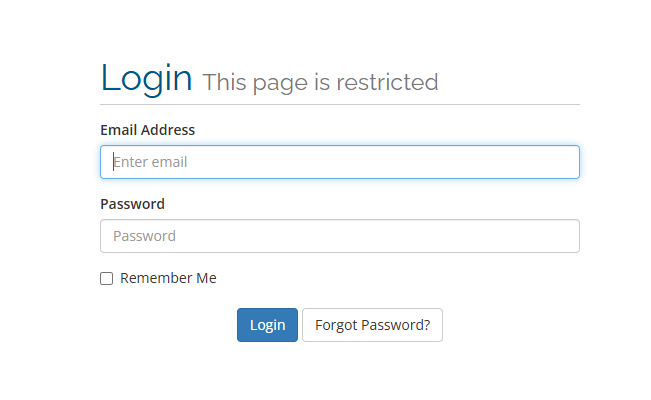
To access the control panel of your VPS, follow these steps:
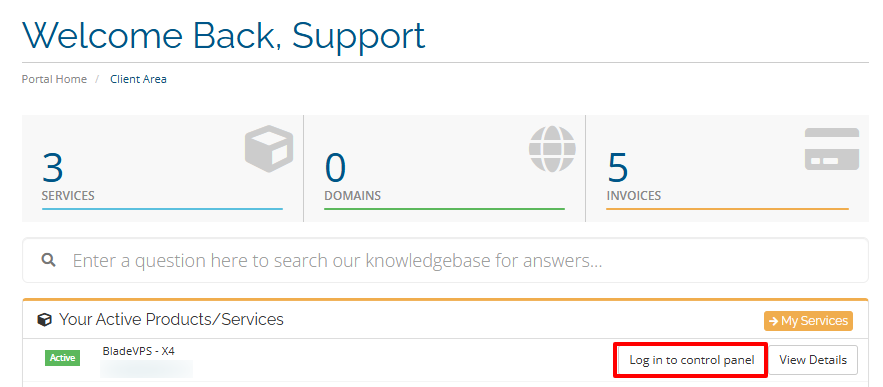
- Locate the VPS hosting package you want to manage from the menu in your control panel and click Log in to control panel.
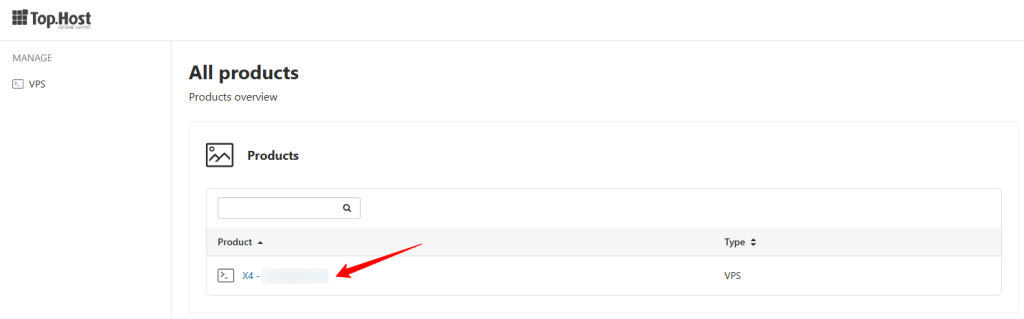
- Click on the desired plan
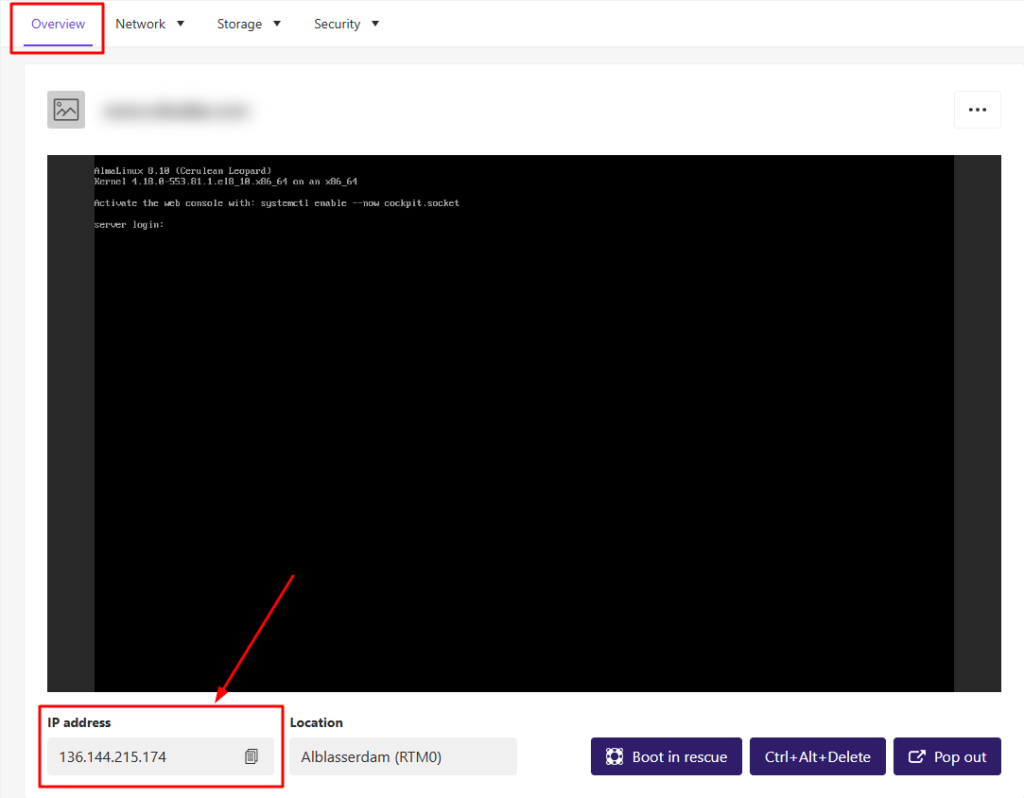
4. In the "Overview" tab, locate the field labeled IP address. This is your VPS’s unique IP.
You haven't found what you are looking for?
Contact our experts, they will be happy to help!
Contact us